Budgeting without a bank connection: why it works
Do you have to hand a budgeting app your bank credentials? No. What PSD2 actually means, what an app can see, and why logging by hand keeps money visible.
“Do I have to give this thing my bank credentials?”
It’s the first question many people ask about a budgeting app, and with good reason. In Finland, bank credentials are practically your identity: they log you in to social insurance, the tax office, health services. The idea of handing them to some app feels wrong, even if you can’t quite say why.
The short answer: you don’t have to. Budgeting works without a bank connection, and for many people it works better without one. This post calmly explains what a “bank connection” actually means, what an app sees when you use one, and why logging your spending by hand is more than a fallback.
What a “bank connection” actually is
Let’s start here: a bank connection is neither dangerous nor shady. It’s an EU-regulated thing.
Since 2019, the second Payment Services Directive, PSD2, has been in force. Finance Finland sums it up for consumers like this: banks must open account data to licensed third-party providers, but only with your explicit consent, and only for the accounts you yourself connect. The consent has to be given separately; burying it in general terms isn’t enough.
Two things worth knowing:
- The app doesn’t get your bank credentials. A proper PSD2 connection is made through the bank’s own authentication, and as Finance Finland notes, so-called screen scraping, where an app would ask for your credentials and log in on your behalf, is not allowed.
- The app sees what you see. The connected account’s transactions, balances, payees. No more, but no less either.
In Finland, supervision belongs to the Financial Supervisory Authority. And more is coming: the European Commission has proposed a successor to PSD2 (PSD3) and a broader financial data access regulation (FIDA), on which the Council formed its position in late 2024. Both are still in preparation, but the direction is clear: more data sharing ahead, with user control kept front and centre.
So: a bank connection is regulated, legal, and useful for plenty of people. It’s a choice, not a threat. The question is whether it’s the right choice for you, and that brings us to what automation does to visibility.
Why logging it yourself works
Here’s the thing few people talk about: automatic tracking and doing your own tracking are not the same product at different prices. They do different things.
When an app pulls your transactions from the bank, you don’t have to do anything. That’s convenient. But it also means you don’t have to look at anything. In a study published in 2023, consumer researcher Yiling Zhang compared app users who logged their expenses themselves with users whose tracking was automatic. The self-loggers showed stronger awareness of their own finances; automatic tracking was associated with less attention and weaker awareness.
That fits what’s known about the psychology of paying more broadly: the more frictionless the payment, the less of a trace it leaves in your mind. (We wrote about this in where does your money go.) When you log fifteen euros at the checkout yourself, it takes a few seconds, and in those seconds the entire point of budgeting happens: you see it.
This is why both Takuusäätiö, the Finnish financial-wellbeing foundation, and the home economics organisation Martat advise starting with pen and paper. Not because paper is better technology, but because writing is looking.
Logging isn’t a chore. It’s the moment money becomes visible.
Doesn’t logging take too much time?
Honestly: it takes a little. Ten, twenty seconds per purchase. But notice what you don’t have to log.
Bills are fixed and recurring: you enter them once, and after that they simply sit in the calendar. Income likewise. What’s left is the part that actually varies: food, coffees, the bus, that one purchase. And that’s exactly the part you want to see, because that’s where the money disappears.
In practice, logging comes to a few lines a day. If that sounds like too much, try it for two weeks. What happens to many people isn’t that they quit; it’s that they start glancing at their money situation in the morning the way they check the weather.
What a budgeting app may collect, and how to check
Bank connection or not, every app handles personal data, and you have the right to know how. According to the Office of the Data Protection Ombudsman, Finland’s data protection authority, a service must tell you in plain language at least:
- who processes the data and how to reach them
- what the data is used for
- how long it’s kept
- who it’s disclosed to, and whether it’s transferred outside the EU
- what your rights are, such as having your data deleted
That’s a good checklist, and you can run any app’s privacy policy through it in five minutes. If a point is missing, or written so that you can’t understand it, that already tells you something. The basic advice from Traficom, the Finnish transport and communications agency, applies too: install apps only from official stores and check what permissions they ask for. A budgeting app doesn’t need your location.
What about the two of you?
When finances are shared between two people, the privacy question takes a new shape. Do you want to see each other’s every transaction, or just the shared whole?
In apps built on a bank connection, the answer is often all or nothing: both partners’ accounts get connected, and both see everything. Without a bank connection, it’s a choice. Each of you enters into the shared view the income and bills that are shared, and personal things stay personal. The whole is visible; the details don’t have to be.
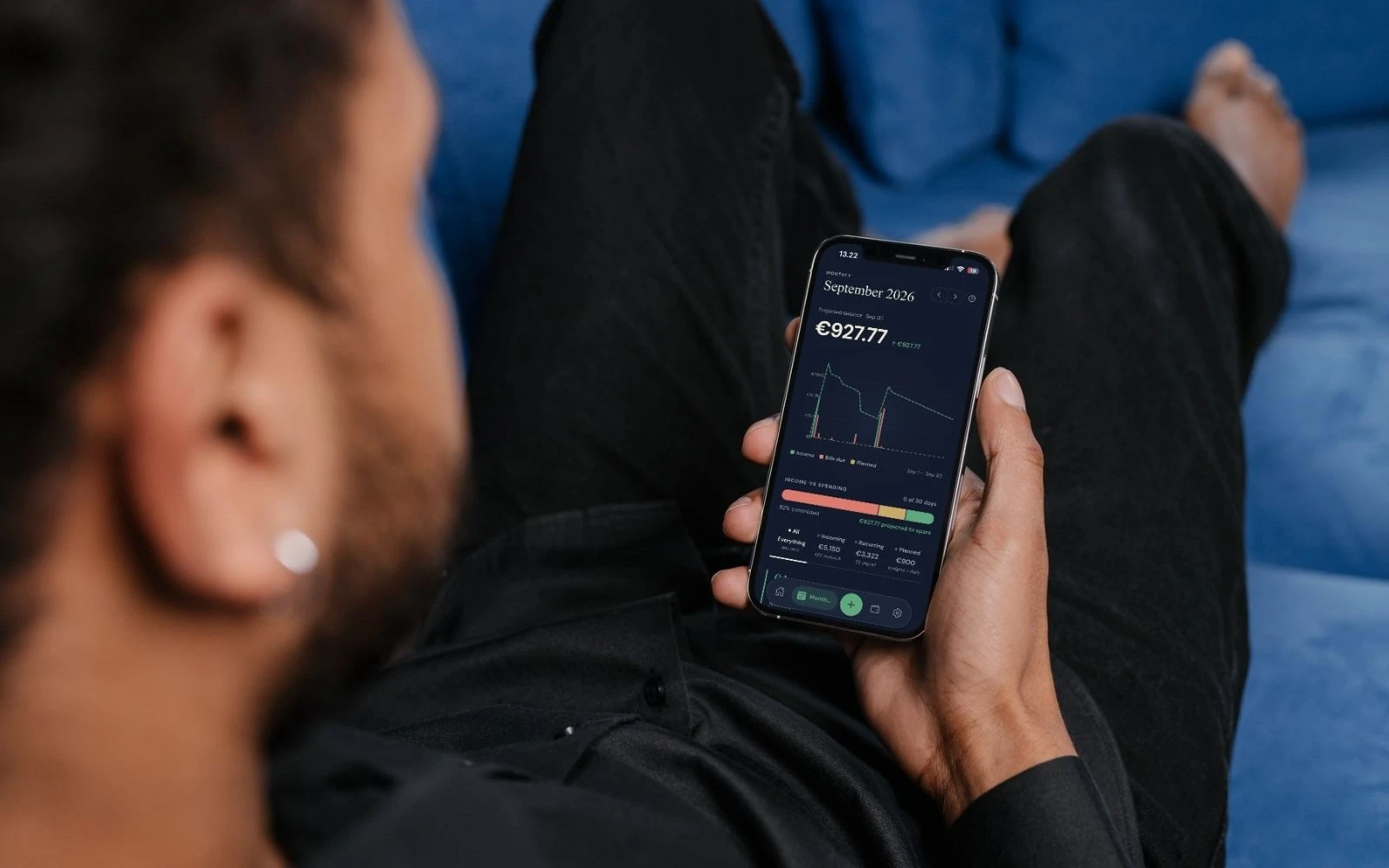
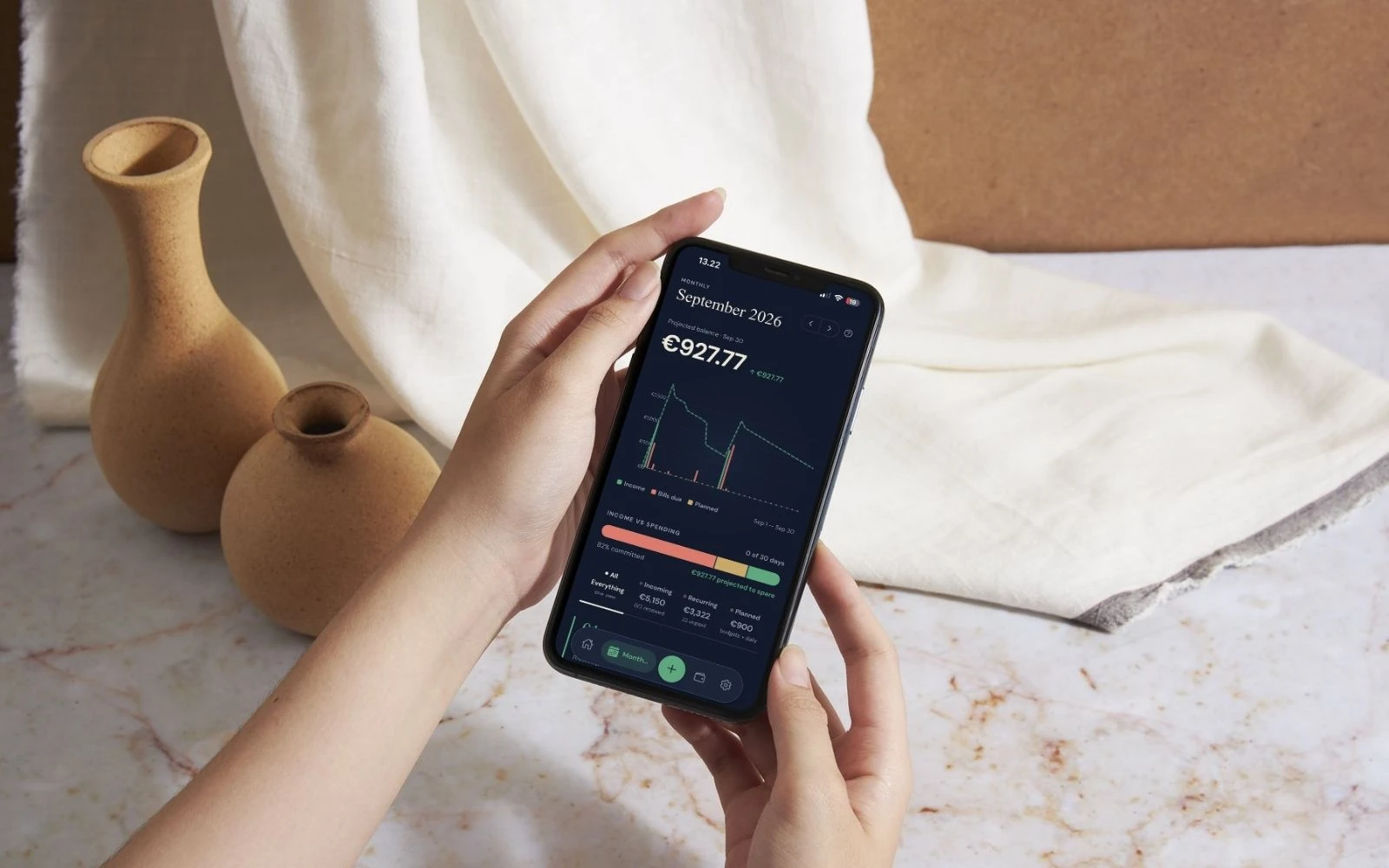
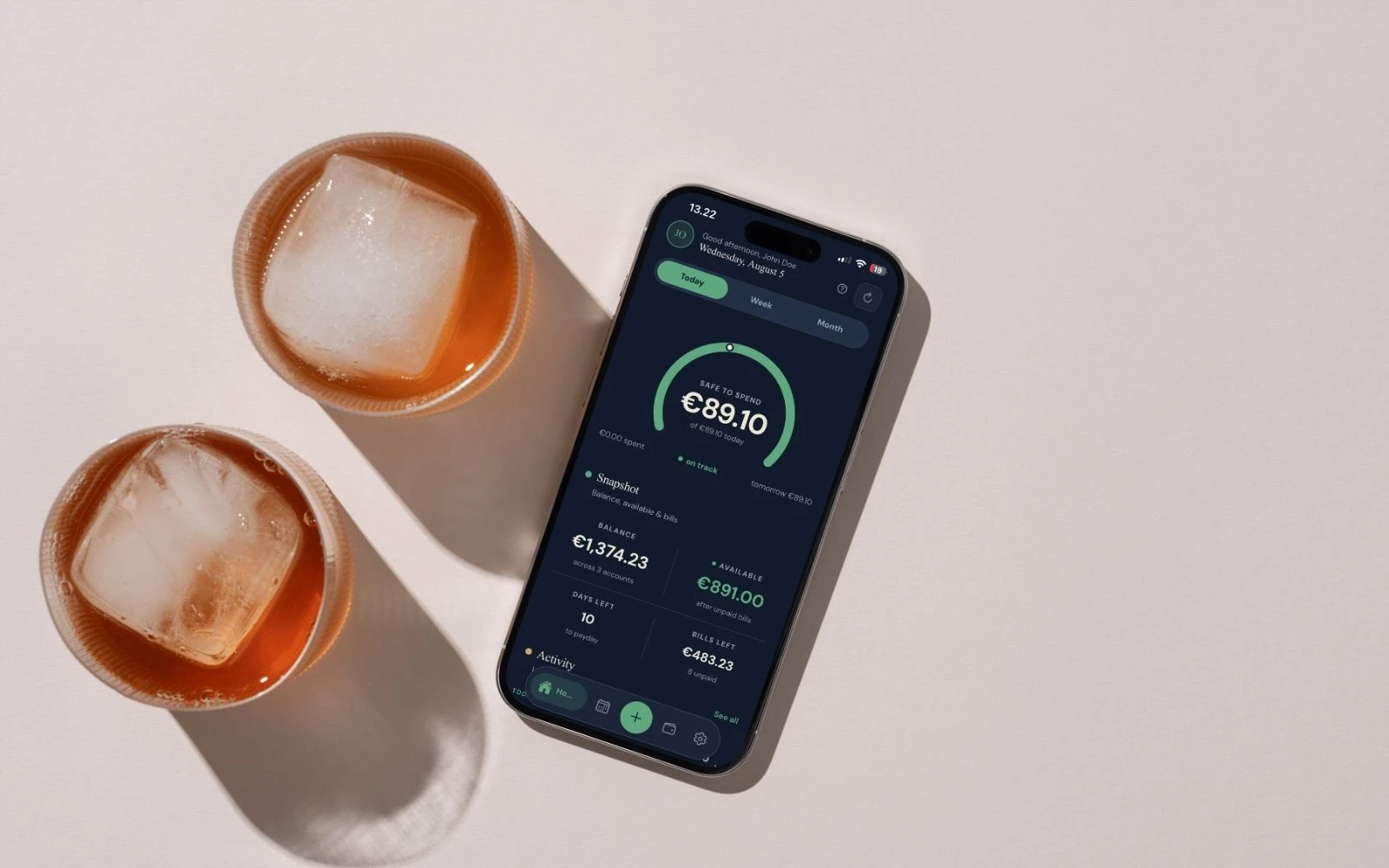
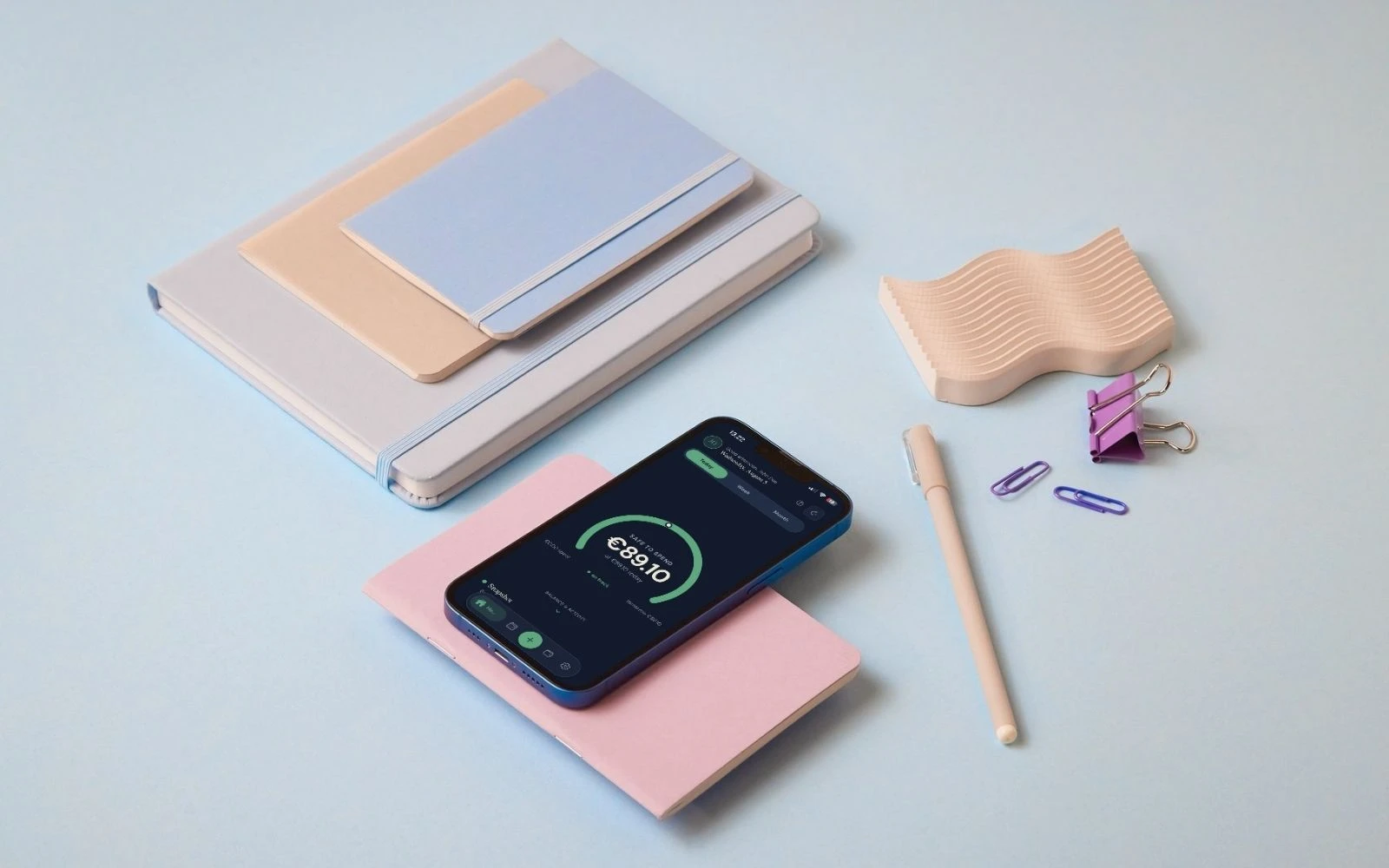
Prsperous is built on this principle. You don’t hand over bank credentials and no accounts get connected: you enter income and bills yourself, and the app calculates what’s safe to spend. Used as a couple, you get a shared pot and a number for each of you. How shared costs are worth splitting is its own post.
Who a bank connection does suit
It would be dishonest to claim manual logging is always better. If you want every transaction categorised automatically, or you track several accounts and credit cards, an app running on a PSD2 connection is the right tool for the job. The regulation protects you, and done properly, the connection is safe.
Our view is just this: the purpose of budgeting isn’t to collect transactions. It’s to see your own month. And that doesn’t require a bank connection. It requires your income, your bills, and a moment a day, things within absolutely everyone’s reach, regardless of bank, income level, or whether you consider yourself a numbers person.
If you want to try it, here’s how it works, and the FAQ answers whether you need to connect a bank account. (You don’t.)
Know what’s safe to spend — every day.
Prsperous gives you tools and clarity, not financial advice.